
To zoom, pan, move and query the map you can use simples gestures, just like you would on a mobile device.
We have listed here some of the most common ones:
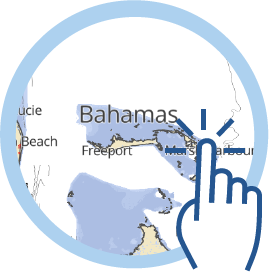
Tap with one finger the get the Map information
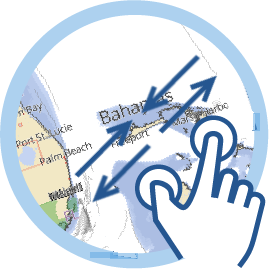
Pinch with two fingers to Zoom out , and spread your fingers apart to Zoom in.
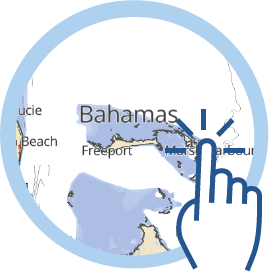
Double tap with one finger to Zoom in.
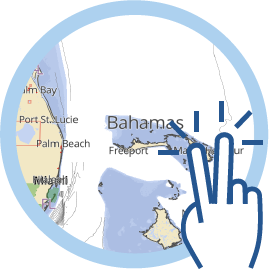
Double tap with two finger to Zoom out.
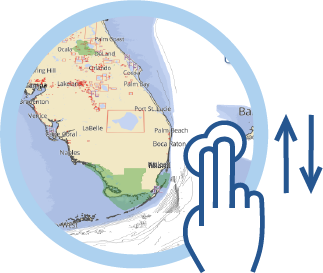
Swipe with two fingers up to enable and down to disable the Perspective view.
NOTE: If the Perspective View setting in the Settings page is "Never", this gesture will not have any effect.
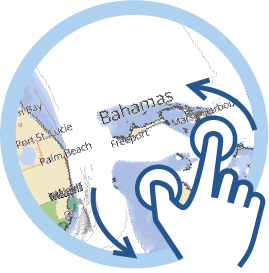
Rotate with two fingers to Rotate the map.